

Reset your password
If you forgot your password, use the email address registered with Slingui to recover access.
How to reset it
Section titled “How to reset it”- On the sign-in page, select Forgot Password?.
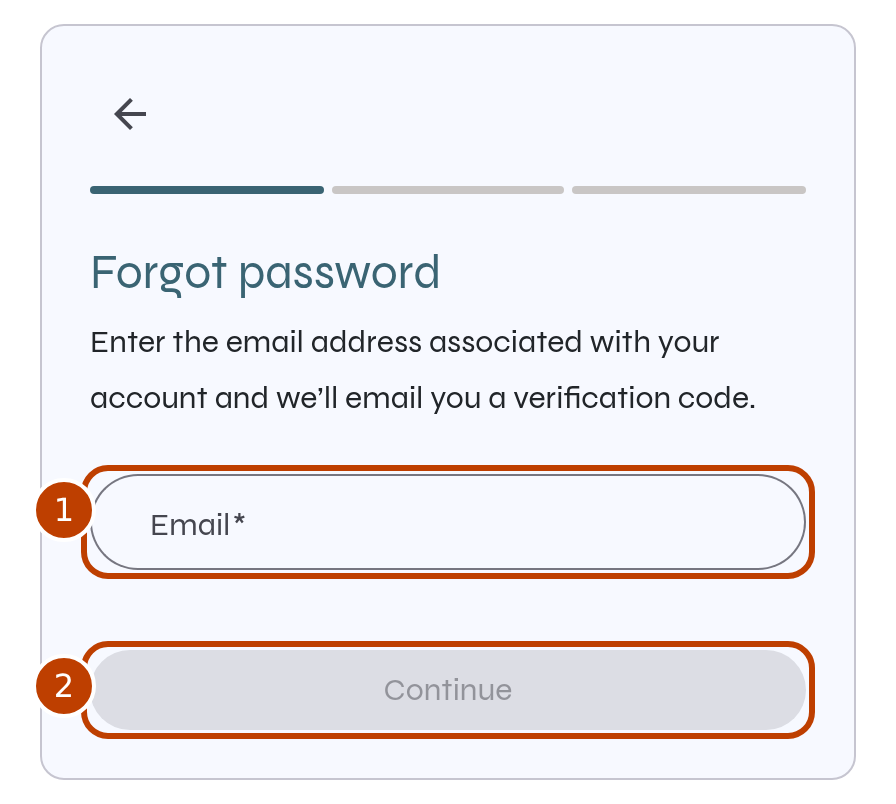
- Enter your Email (marker 1) and select Continue (marker 2).
- Open the message in your email inbox and follow the instructions to reset your password.
- On the reset page, enter your new password, repeat it in the confirmation field and select Continue.
- Return to the sign-in page and sign in with your new password.
If you need help
Section titled “If you need help”- Continue is disabled: check that the email address is complete.
- The email has not arrived: check the address you entered and your spam folder.
- The link expired: return to Forgot Password? and request another reset.