

Navigate the calendar and lesson list
-
In the main menu, open Account → Calendar.
-
On the Calendar tab, choose Month or Week.
-
Use the arrows to move to the next or previous period.
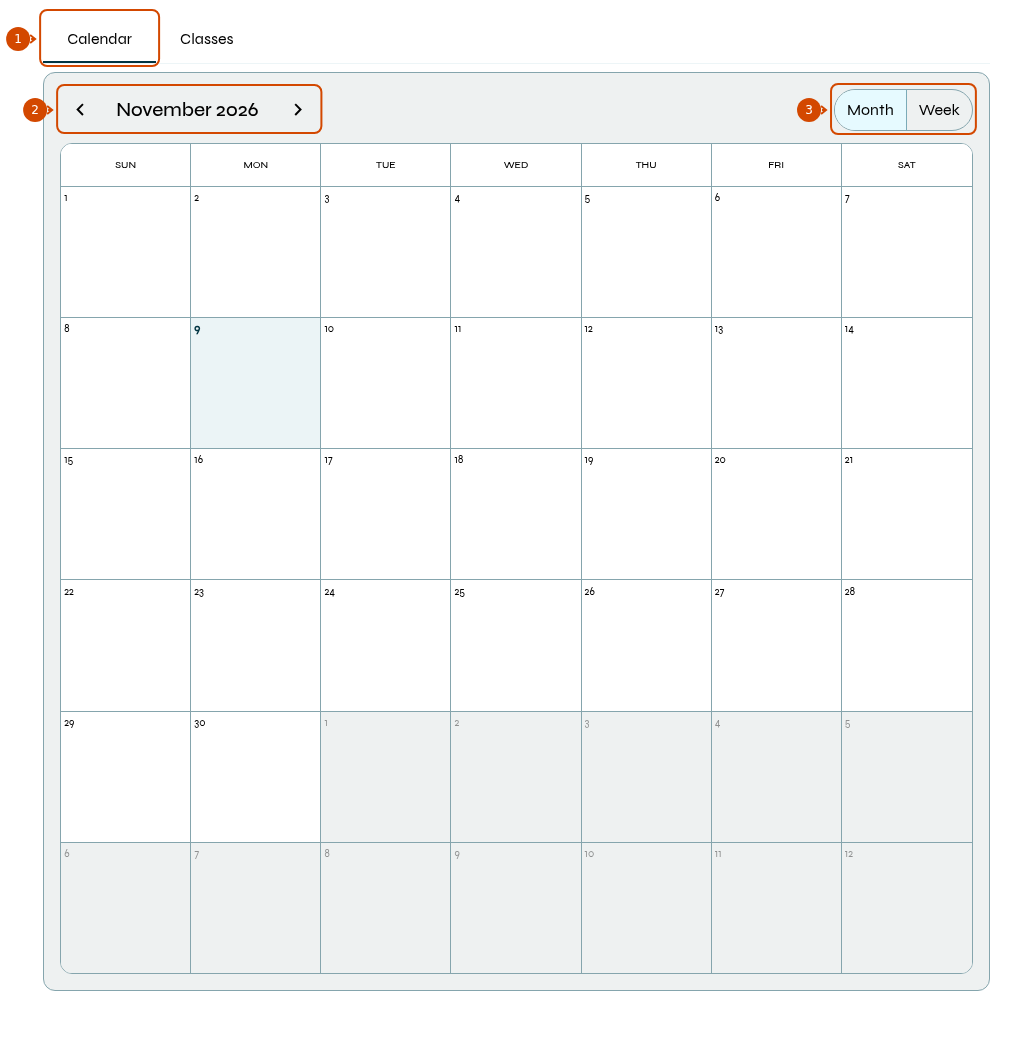
1: calendar. 2: period. 3: month or week.
-
To view lessons as a list, open Classes, if that tab is available for your profile.
-
In the list, use month navigation to select the period. Click Event, Start Date or Status to sort; click again to reverse the order. Use the footer controls to change pages.
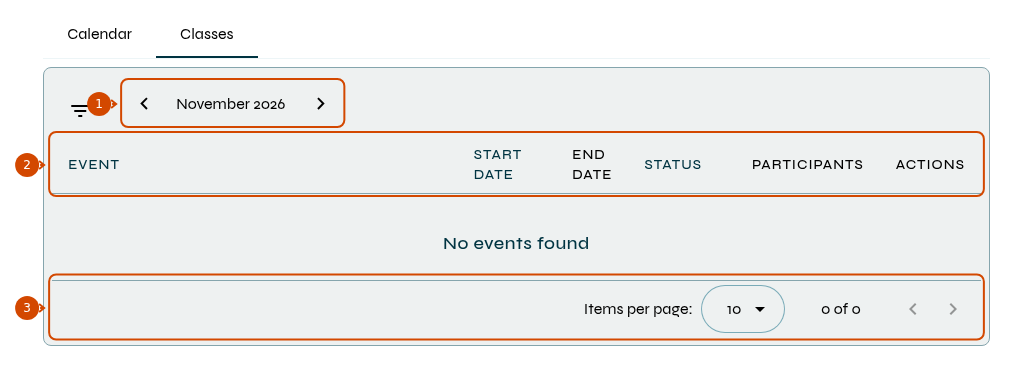
1: period. 2: sorting. 3: pagination.
Students can only view events they have been invited to. Teachers can access their events and those involving their students; access to other groups or teachers depends on permissions granted by school management.
To add a lesson, see how to schedule one.